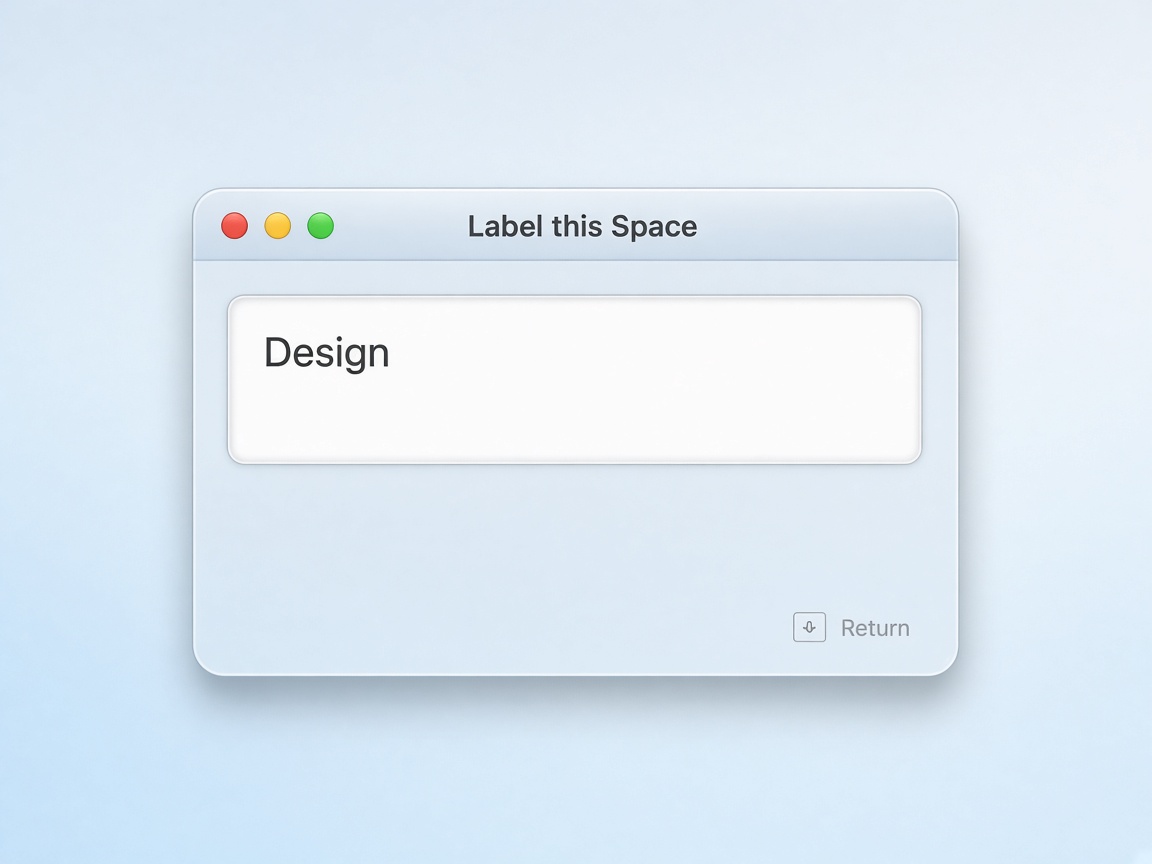
CH-A · INPUT
Label your desktop quickly
A non-activating prompt pops up on the Space you’re on. Name it, clear it, or cancel — without yanking you to another desktop.
UNIT · SL-64
SpaceLabels
A tiny macOS menu-bar app that puts custom labels on your Mission Control Spaces — so the right desktop is obvious at a glance.
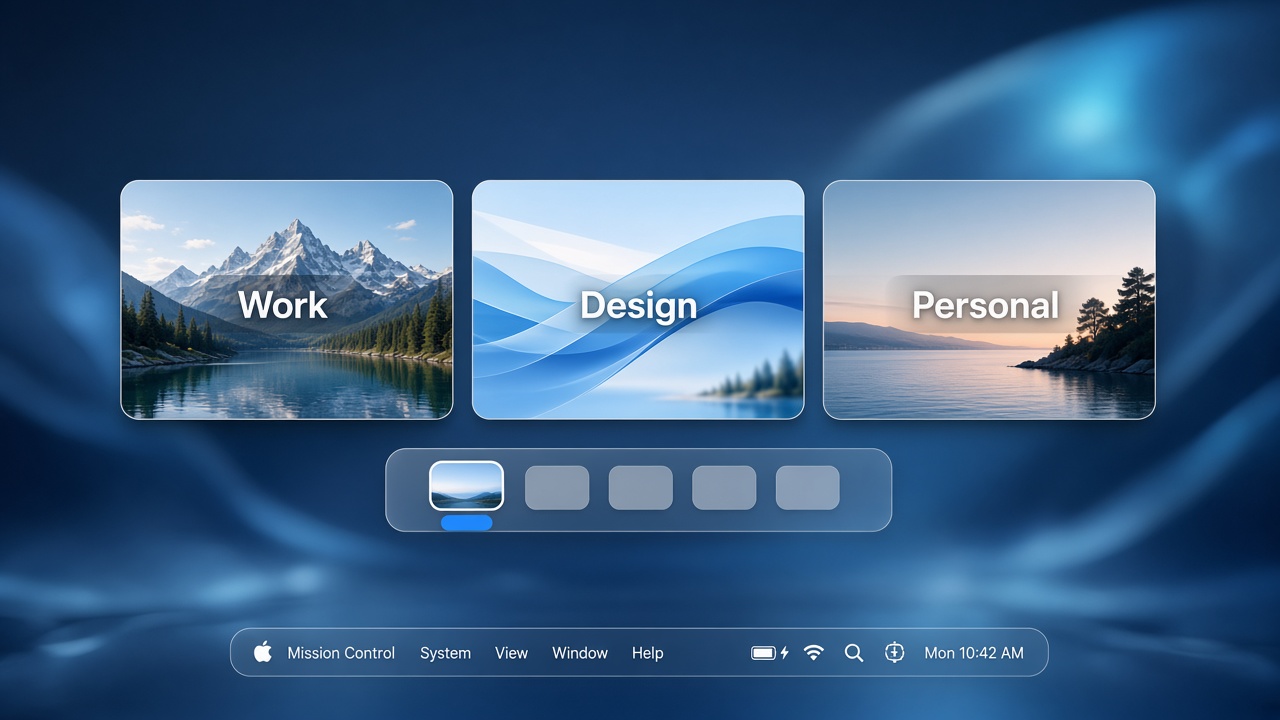
macOS lets you spread work across Spaces, but Mission Control only numbers them. SpaceLabels attaches a name to each desktop and draws it into the Space’s thumbnail — visible when you overview, invisible while you work on that desktop.
Hit a global shortcut, type a label, press Return. The overlay lives on that Space so the name travels with it, even if you reorder desktops.
CH-A · INPUT
A non-activating prompt pops up on the Space you’re on. Name it, clear it, or cancel — without yanking you to another desktop.
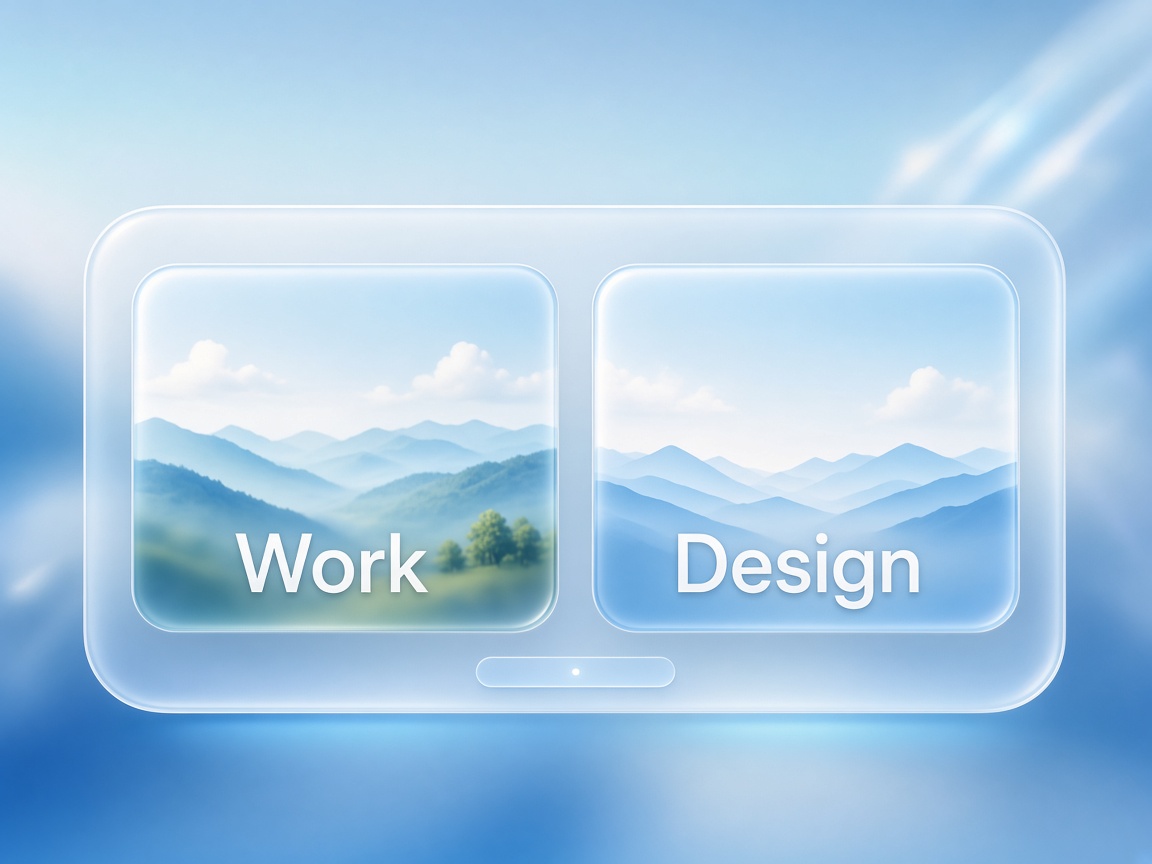
CH-B · OUTPUT
Open Mission Control and read the names on the thumbnails. “Design” beats guessing which Desktop 3 still has Figma open.